
Tutorials
16 tutorialsEvery tutorial starts from a plain SvelteKit project and ends with a working feature, using a VelaStack pattern or generator as the canonical way to get there.
Start here
2What vela adds to a SvelteKit project, and the ideas every other tutorial builds on.
Form actions vs remote functions in SvelteKit, and how to generate either
SvelteKit now has two ways to handle a form on the server. Here is the same contact form built both ways, file by file, with the trade-offs, and the one flag that switches the vela generators between them.
The field syntax behind vela generate - types, modifiers, relations and nested models
Every vela generator reads the same one-line field syntax. This is the whole grammar with an example of what each piece generates, from name:text! to select(...), current_user and users/pets.
Generators
6Forms, schemas, database models and full CRUD from a single field list.
CRUD with SvelteKit remote functions - a scaffold without form actions
The same list, create, view and edit pages as the classic scaffold, but the forms post to typed remote functions instead of form actions. vela generate scaffold --remote writes the routes, the .remote.ts handlers, the schema, the collection and the tests.
SvelteKit CRUD in one command - list, create, view and edit pages with a database table
A full CRUD interface in SvelteKit is ten files, a data table, two forms and a collection. vela generate scaffold writes all of it from a field list, tested, so you can spend the afternoon on the parts that are specific to your app.
Define a database collection and schema for SvelteKit from the command line
A new model in a SvelteKit app means a database table, a migration, a Zod schema and TypeScript types that agree with each other. vela generate resource creates all of them from one field list, without opening an admin UI.
Build a validated form in SvelteKit with Zod and Superforms in one command
A SvelteKit form with server-side validation means a schema, a form action, a page wired to Superforms, and a test. vela generate form writes all four from a single field list, so you start from working code instead of boilerplate.
SvelteKit remote functions - a validated form without form actions
Remote functions let a SvelteKit form post to a typed server function instead of a form action. vela generate form --remote scaffolds the form, the remote function, the Zod schema and the config flags so you can try the new model in a minute.
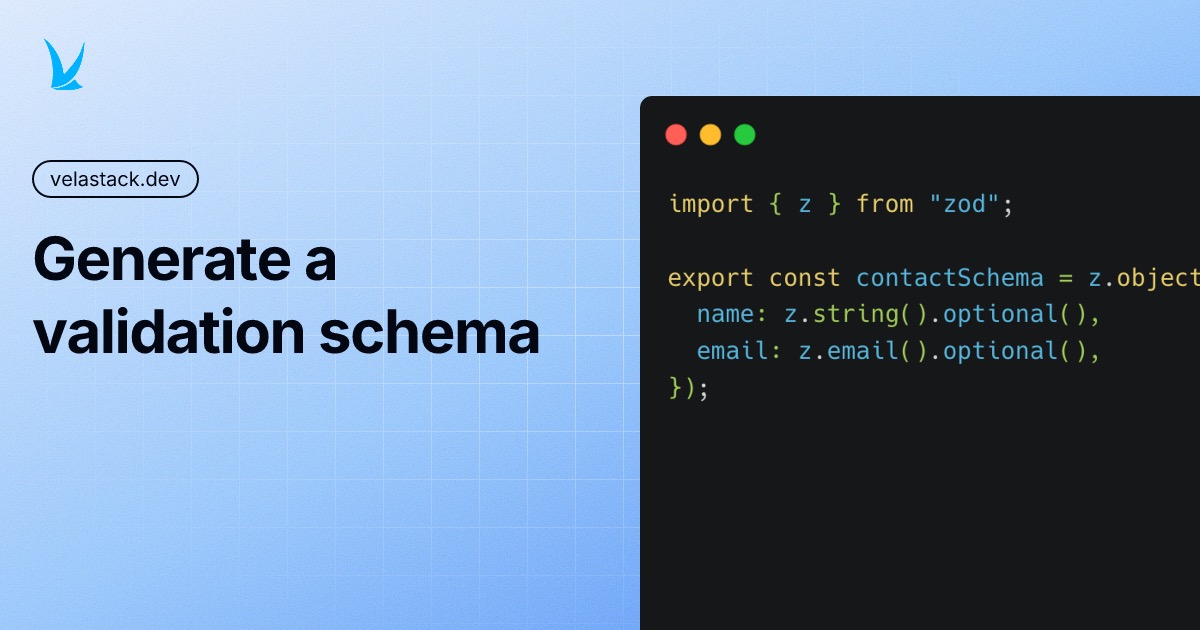
Generate Zod schemas for your SvelteKit models from a field list
Stop hand-writing a Zod schema for every form and endpoint. One vela command turns a field list into a typed schema that drops straight into Superforms, remote functions and server code.
Patterns
8Authentication, payments, teams, i18n and the rest, added to your app as code you own.
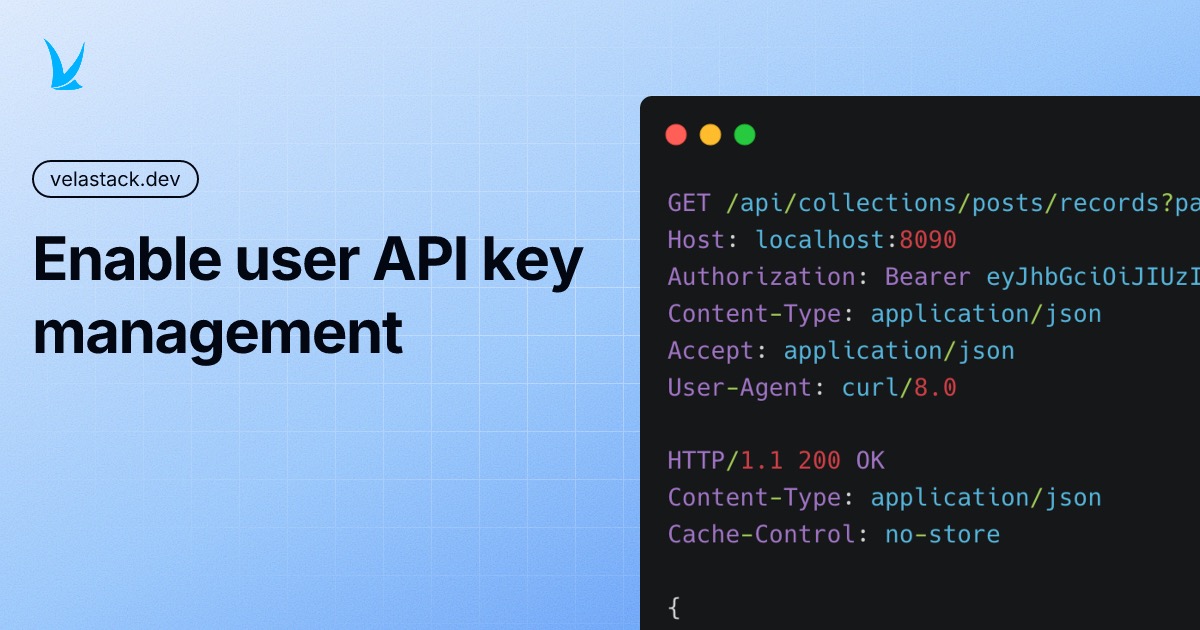
How to give users API keys for a SvelteKit app
Open your app's data as a REST API and let users create and revoke their own keys. vela enable api serves PocketBase's API under /api; vela enable api-keys adds the keys page, hashed secrets and Bearer-token access, with collection rules still in charge.
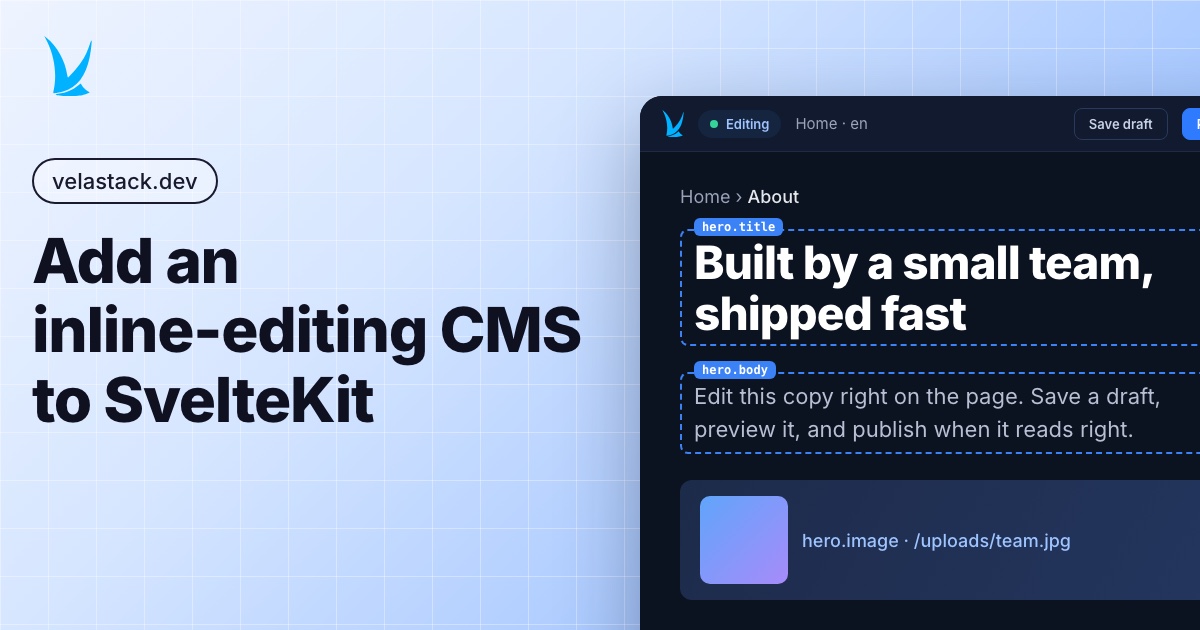
How to let clients edit a SvelteKit site themselves
An admin bar on your own site where editors change copy in place, upload images and publish, with no redeploy. vela enable cms hosts the CMS inside your app, or points a static site at a hosted one, and you mark up which text is editable.
How to add login and signup to a SvelteKit app
Login, signup, password reset, email verification, one-time codes and OAuth buttons, plus a settings page and a protected dashboard. vela enable auth generates all of it on PocketBase, with a server test for every route.
How to add login with SvelteKit remote functions
The same login, signup, reset and settings flows as vela enable auth, with every form posting to a typed remote function instead of a form action. One flag, and each handler shrinks to a single function.
How to write a Markdown blog with SvelteKit
Posts are Markdown files in your repo. vela enable blog sets up mdsvex, a post list, tag pages and an RSS feed in one command, so publishing a post means adding a file and pushing.
How to make SvelteKit pages readable by AI agents
Serve the same page as HTML to browsers and as Markdown or JSON to anything that asks with an Accept header or a .md extension. vela enable content-negotiation wires sveltekit-negotiate into your hooks, and each page decides what its Markdown looks like.
How to add teams and invites to a SvelteKit app
Workspaces with members, roles and invites by email or link, and a team switcher in the sidebar. vela enable teams creates the collections, the pages and 36 tests, and gives every generator a current_team field for scoping data by team.
How to translate a SvelteKit site into Spanish
A language switcher, /es URLs and a Spanish catalog for every string already in your markup. vela enable i18n sets up Wuchale, which extracts text from components instead of asking you to invent message keys, so translating a page means editing a .po file.